Delta Expands Concierge App Assistant to All SkyMiles
Delta just threw open the doors on its in-app digital assistant. Delta Concierge isn't just for elite frequent flyers anymore. The airline is rolling the tool out to every single SkyMiles member, bringing self-service flight cancellations, real-time refunds, and automated bag tracking right to your phone.

Kill the Hold Music
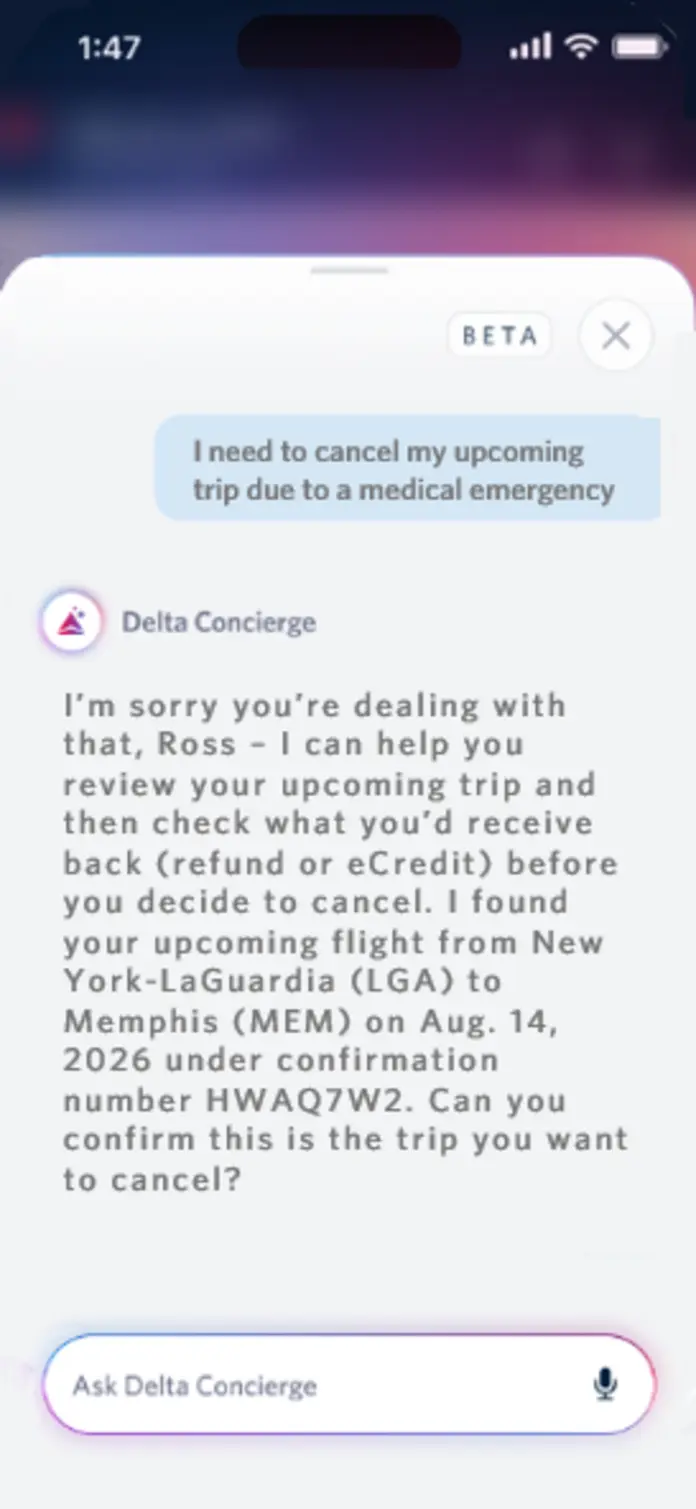
Few things ruin a travel day faster than pacing an airport terminal on hold with customer service. Delta is finally trying to fix that, opening its in-app assistant, Delta Concierge, to every SkyMiles member across the globe. Less than a year after a quiet beta launch, the feature is now live for anyone in the airline's loyalty program. (If you aren't signed up, it's free and takes about two minutes online.)
According to Chief Digital Officer Eric Phillips, the logic is simple: hand travelers the power to solve routine headaches themselves so live agents can step in on genuine crises. The assistant hooks straight into your profile and active itineraries, so you won't waste time spelling out confirmation codes. It already knows who you are and where you're headed before you type a word.
Real Power Inside the Chat Window
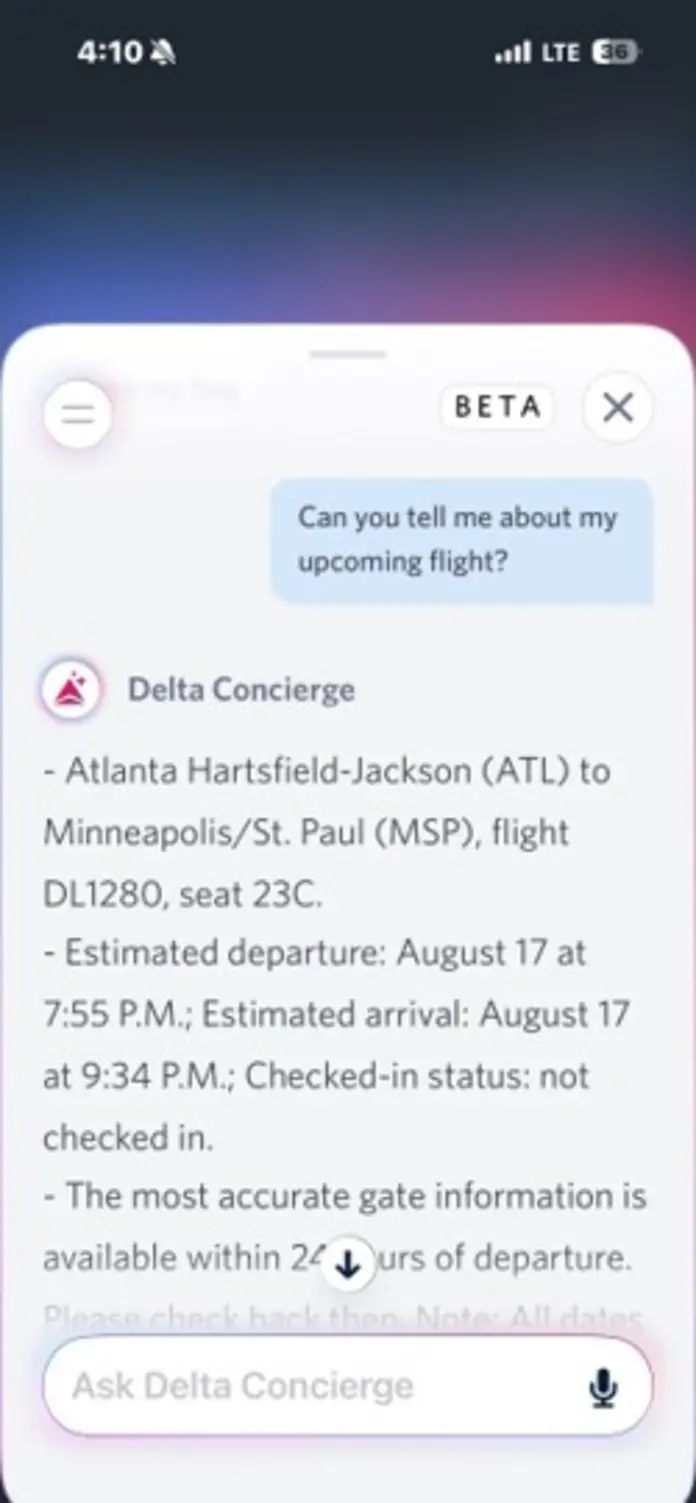
This isn't just a glorified FAQ page. The latest update gives the chat window actual transactional teeth, letting you cancel an entire itinerary without hunting through buried account menus or waiting on an agent. It processes refund requests in real time and drops eCredits into your account within seconds.
When bad weather or delays scramble your day, the assistant lays out your rebooking options on a single screen alongside an explanation of what went wrong. You can also use it to check your SkyMiles balance, verify where you stand on Medallion Qualification Dollars, or pull live tracking on checked luggage.
How to Use It
Getting started takes ten seconds. Head to your phone's app store, make sure you're running the latest build of the Fly Delta app, and open it. You'll spot the new Concierge icon sitting in the top right corner of the home screen.
Delta still keeps a "beta" tag on the assistant while engineers tweak things around passenger habits, but the tool is live and ready to run. Whether you're tracking down a bag, checking an eCredit, or dumping a flight when your schedule falls apart, the chat handles it in one place. Update the app, open the window, and let the software take the hit next time travel gets messy.
Source: Delta News Hub | 10 August 2026
Source: Delta News Hub. Content curated and produced by Skyplus Team.
Related
More Stories